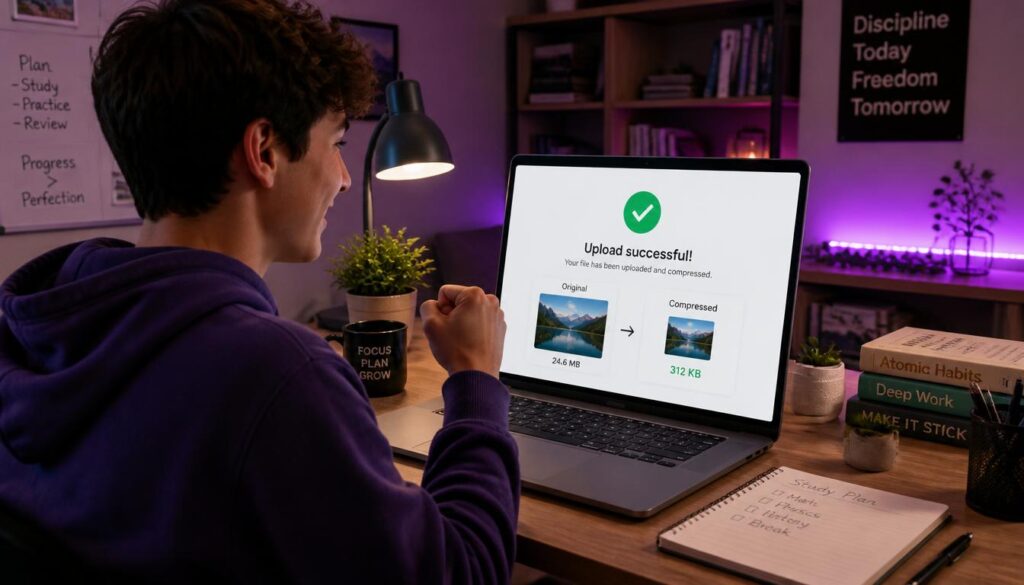
Compress Image for Upload:
“File size too large. Maximum 2 MB.” It’s one of the most annoying messages when you’re submitting homework photos, uploading a profile picture or finishing a scholarship application at midnight. When you compress image for upload, you shrink the file so it fits portal limits while staying clear and readable. This guide shows six easy fixes.
Why Photos Are So Large
Modern phone cameras take high‑resolution photos, often several megabytes each. That’s great for printing, but far bigger than most school portals, learning management systems and application forms allow.
How to Compress an Image (4 Steps)
- Open the tool: Compress image for upload with our free compressor.
- Upload your photo (JPG or PNG).
- Lower the quality slightly, as around 70–85% is usually enough for documents and photos.
- Download and upload it to your portal.
6 Easy Fixes for File Size Limits
1. Compress the image
The fastest fix for most uploads.
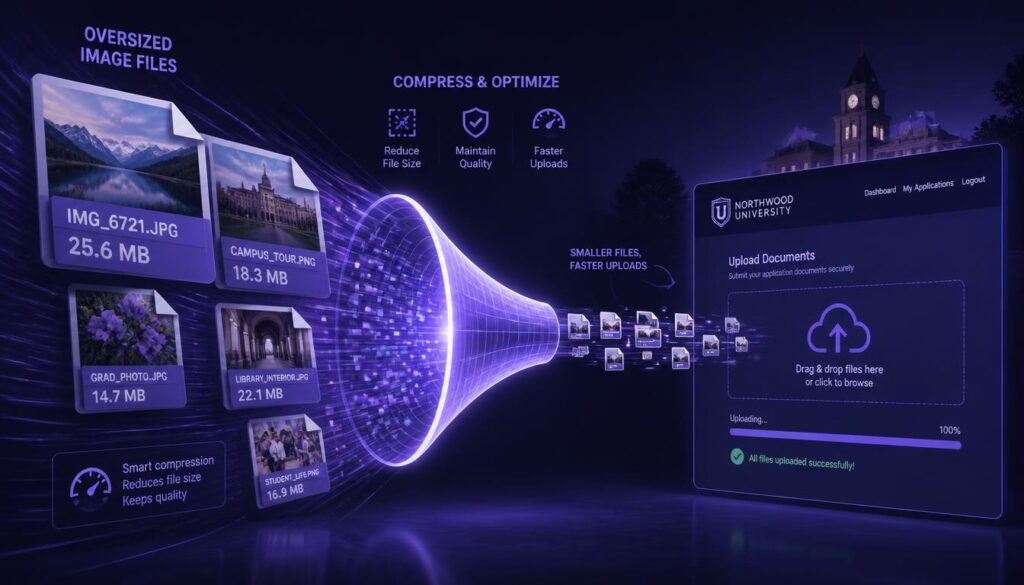
2. Resize the dimensions
A 4000‑pixel‑wide photo is rarely needed. Resizing to around 1200–1600 pixels wide often shrinks files dramatically. Use our crop screenshot online tool.
3. Convert PNG to JPG
PNG photos are much larger than JPGs. Convert photos to JPG unless you need transparency.
4. Crop out empty space
Remove the desk, background and edges around homework photos.
5. Turn several photos into one PDF
Many portals prefer PDFs. Combine homework pages with photo to PDF.
6. Compress the PDF too
If a PDF is still too large, see reduce PDF size for upload.
Common Student Upload Limits
| Upload type | What to aim for |
| Profile picture | Small square image, often under 1 MB |
| Homework photo | Clear, readable text; often under 2–5 MB |
| Application photo | Follow exact size and dimension rules |
| Portfolio images | Balance quality and speed |
Always check the specific limit on your portal; they vary by school and platform.
Keep Homework Readable
Compression should never make your work hard to grade. After compressing:
- zoom in on handwriting and equations,
- check that diagrams and labels are clear,
- make sure nothing is cropped off.
If your professor can’t read it, you might lose marks.
Application and ID Photos
Scholarship, visa and university ID photos often have strict rules about dimensions, background and file size. Read the instructions carefully, crop to the required size, then compress just enough to fit. Don’t over‑compress official photos; they need to look sharp.
Example: Midnight Assignment Upload
You photograph four pages of handwritten maths homework. Each photo is over 4 MB, and the portal limit is 10 MB total. You crop each photo to the page, compress them to around 500 KB each, combine them into one PDF and upload it with minutes to spare, and every equation is still readable.
Related Tools
Blur private details before sharing with blur personal info in screenshots, and scan pages properly with scan homework to PDF.
Uploading to Canvas, Blackboard and Moodle
Learning management systems often accept images but may be slow with large files, especially on campus Wi‑Fi at busy times. Compressing before upload makes submissions faster and reduces the risk of a timeout just before a deadline. If your course asks for a single file, combine compressed images into one PDF, name it with your name and assignment title, and check the preview after uploading to confirm everything came through.
Common Mistakes
The most common upload mistakes are compressing so hard that handwriting becomes unreadable, uploading the original instead of the compressed copy, and compressing the same JPG repeatedly. Keep your originals in one folder and compressed copies in another, so you always know which file to upload.
Final Thoughts
When you compress image for upload, file size errors disappear and your submissions go through first time. Resize, compress, crop, convert photos to JPG and double‑check readability. Your work arrives on time and looks clear to whoever grades it.
Learn more: Canvas Community: Student guides, Blackboard Help for students, web.dev: Image optimisation.
FAQ
How do I make a photo smaller for uploading?
Compress it, resize the dimensions and convert PNG photos to JPG.
Will compressing make my homework blurry?
Not at sensible settings. Always zoom in to check before submitting.
Is the image compressor free?
Yes, it’s free to use in your browser.
What if my file is still too big?
Resize the image to smaller dimensions or combine pages into a compressed PDF.
Can I compress screenshots?
Yes. Screenshots saved as PNG often shrink a lot when converted to JPG.