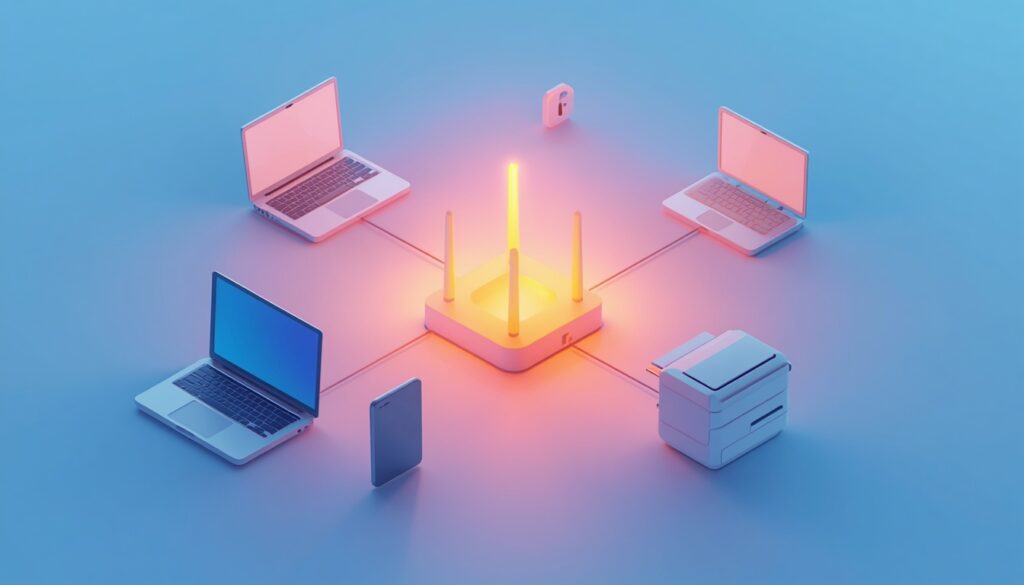
Computer Networks Basics for Beginners:
Every time you send a WhatsApp message, stream a video, or check email, you’re using a computer network without thinking about it. These computer networks basics for beginners break down exactly how devices connect and communicate, using simple comparisons instead of technical jargon.
This topic is part of the ICT curriculum at UCP and is a core building block for later topics like cybersecurity and cloud computing.
1. What Is a Computer Network?
A computer network is a group of two or more connected devices that can share data and resources with each other. This can be as small as two laptops connected via Bluetooth, or as large as the entire global internet.
2. Types of Networks by Size
- LAN (Local Area Network): covers a small area, like a single office or home.
- MAN (Metropolitan Area Network): covers a city or large campus.
- WAN (Wide Area Network): covers a large geographic area — the internet is the largest WAN in existence.
3. Network Topologies
A topology is the physical or logical layout of how devices connect.
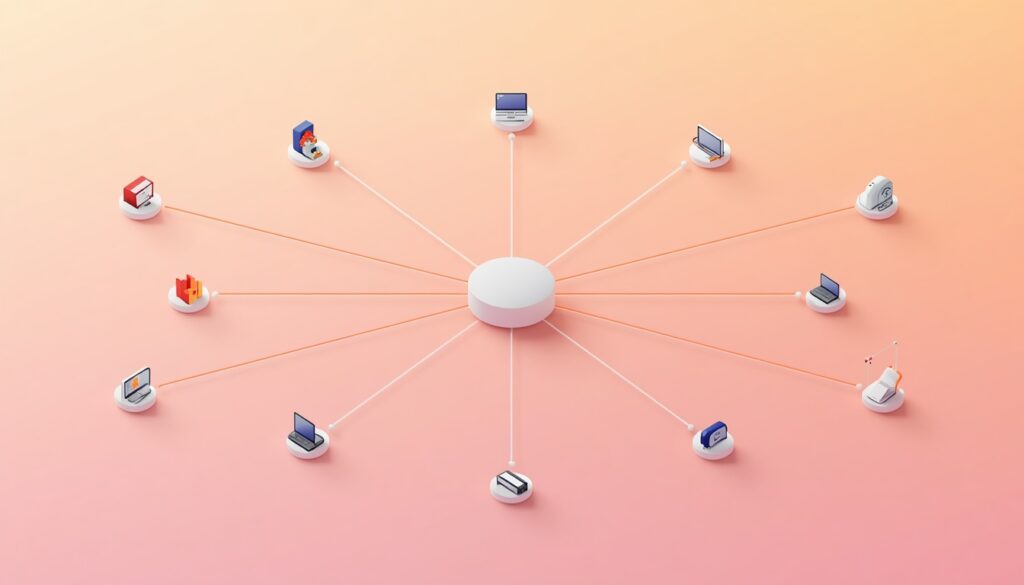
- Star topology: all devices connect to a central hub — easy to manage, but the hub is a single point of failure.
- Bus topology: all devices share a single central cable — simple but slows down as more devices are added.
- Ring topology: devices connect in a circular chain — data travels in one direction around the ring.
- Mesh topology: devices connect to multiple other devices directly — highly reliable but expensive to set up.
4. Key Networking Devices
- Router: directs data between different networks (like your home network and the internet).
- Switch: connects multiple devices within the same network and directs data to the correct device.
- Modem: converts data between the format used by your internet provider and the format used by your devices.
5. IP Addresses and How Devices Find Each Other
Every device on a network has an IP address — a unique numerical label that identifies it, similar to how a postal address identifies a house. When you visit a website, your device uses this addressing system to locate and communicate with the correct server.
6. Wired vs. Wireless Networks
- Wired networks (using Ethernet cables) offer faster, more stable, and more secure connections.
- Wireless networks (using Wi-Fi) offer flexibility and mobility but can be more vulnerable to interference and security risks.
Most modern offices and homes use a combination of both, wiring critical devices like servers while using Wi-Fi for laptops and phones.
Why This Matters for Business Students
Understanding networking basics helps you make informed decisions later in your career — from choosing office infrastructure to understanding why a company’s systems are vulnerable to certain cyberattacks. It also directly supports your understanding of cloud computing, where data travels across networks constantly.
For related topics, see our guides on cyber security basics for students and computer networking types explained.
Frequently Asked Questions
Q1: What are computer networks basics for beginners most useful for?
They explain how devices share data and resources, forming the foundation for understanding the internet, cybersecurity, and cloud computing.
Q2: What’s the difference between a router and a switch?
A router connects different networks together (like your home network to the internet), while a switch connects devices within the same network.
Q3: Is Wi-Fi less secure than a wired connection?
Generally yes, since wireless signals can potentially be intercepted more easily than a physical cable, though modern encryption significantly reduces this risk.
Q4: What is the difference between LAN and WAN?
A LAN covers a small local area like an office, while a WAN spans a much larger geographic area, with the internet being the largest example.
Q5: Why do IP addresses matter?
They uniquely identify each device on a network, allowing data to be sent to and received from the correct destination.
Keep Exploring
Try mapping out the network topology of your own home or hostel Wi-Fi setup — identify the router, connected devices, and whether it resembles a star topology.
Have your own ICT notes on networking basics? Upload them to brainydock.site to help other UCP students. Explore more in our ICT category.