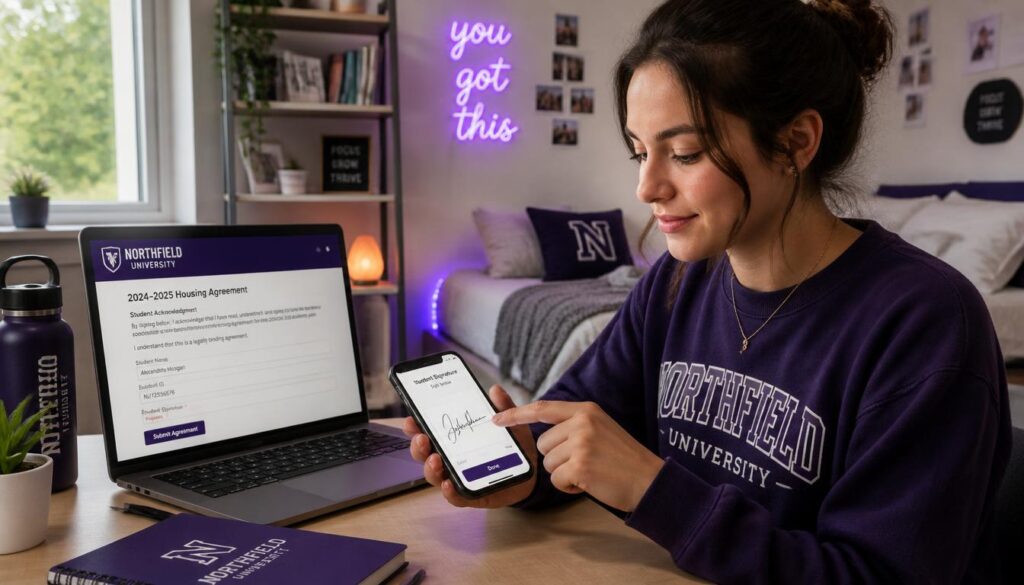
Make a Digital Signature:
College comes with paperwork: internship agreements, housing forms, club registrations, financial aid documents and permission forms. Printing, signing and scanning each one is a hassle, especially if you don’t have a printer in your dorm. When you make a digital signature, you can sign documents on your laptop or phone in seconds. This guide shows three easy steps and where you can use it.
How to Make a Digital Signature (3 Steps)
- Open the tool: Make a digital signature with our free signature maker.
- Type, draw or upload your signature, choosing dark blue or black.
- Download it as a transparent PNG and save it in a safe folder.
Then use it with our sign PDF form guide to place it on documents.
Type, Draw or Upload?
| Option | Best for |
| Type | Quick, neat signatures in a handwriting font |
| Draw | A personal signature using a touchscreen or trackpad |
| Upload | The most authentic look; photograph your real signature |
Tip: sign on plain white paper with a black pen, take a clear photo in good light and upload it for a realistic result.
Where Students Use Digital Signatures
- Internship and job offer letters,
- Housing and lease agreements (where e‑signing is allowed),
- Financial aid and scholarship forms,
- Club and society registrations,
- Research participation consent forms,
- Group project agreements.
Are Digital Signatures Valid?
In the US and UK, electronic signatures are widely accepted for many everyday documents. In the US, the ESIGN Act and UETA generally give electronic signatures legal effect. Some official documents may require extra steps or specific platforms, so if a form asks for a “wet” (handwritten) signature, follow those instructions. When unsure, ask the office that sent the form.
Keep Your Signature Safe
- Don’t post your signature image on social media.
- Store it in a private folder, not a shared drive.
- Only sign documents you’ve read and understand.
- Be cautious of emails asking you to sign unexpected documents; phishing scams target students.
Example: Signing an Internship Offer
You receive an internship offer letter as a PDF while at home for the holidays with no printer. You make a digital signature, place it on the letter with a Sign PDF tool, add the date, and email it back within an hour. The employer is impressed by your quick response, and you didn’t need to find a print shop.
Make Your Signature Look Professional
- Keep it a consistent size on every document.
- Use a transparent background so it blends into the form.
- Add your printed name and date where the form asks.
Related Tools
Convert forms to PDF with convert DOCX to PDF, scan paper forms with scan homework to PDF, and combine signed documents with combine PDF files.
Digital Signatures for Group Projects
Some instructors ask group members to sign a contribution statement or team agreement. A digital signature makes this quick: one person creates the PDF, each member adds their signature and date, and the final file goes to the instructor. It keeps everyone accountable and creates a clear record of who agreed to what, which helps if disagreements come up later in the semester.
Signing on a Phone
If you don’t have a laptop handy, you can draw your signature on your phone’s touchscreen, save the PNG and use a phone‑friendly PDF app to place it. Keep a copy of the signature in a secure folder so you don’t have to recreate it every time.
Common Mistakes
Students sometimes use a blurry photo of their signature, place it over printed text or forget to add the date. Others save their signature image in a shared folder where anyone can copy it. Take a clean photo, keep the file private, and always check the placement before sending a signed form.
Final Thoughts
When you make a digital signature once, every future form becomes faster. Create a clean PNG, keep it private, sign only documents you’ve read and follow any special signing instructions. It’s one of the most useful tools for managing college paperwork.
Learn more: Wikipedia: ESIGN Act, Federal Student Aid, FTC: Phishing scams.
FAQ
Can I make a digital signature for free?
Yes, the signature maker is free to use.
Can I draw my signature on my phone?
Yes. Touchscreens make drawing easy.
Is a digital signature legally valid?
For many everyday documents, yes. Some forms may require a handwritten signature.
What format should I save?
A transparent PNG works best.
How do I add it to a PDF?
Use a Sign PDF tool to place the image on the document.