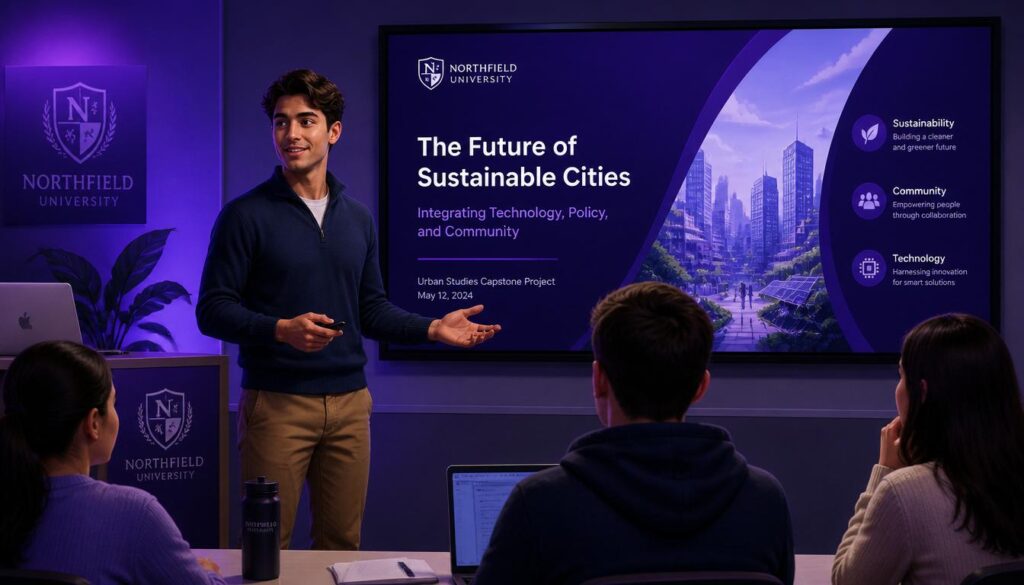
Introduction
Presentation skills for students are among the most valuable soft skills a student or professional can develop. Whether you’re presenting a class assignment, a business proposal, or a project report, the ability to communicate ideas clearly and confidently can set you apart. This assignment explores what presentation skills for students are, why they matter, and how you can master them step by step.
What Are Presentation Skills?
Presentation skills refer to the abilities required to deliver information clearly, confidently, and persuasively in front of an audience. They combine verbal communication, body language, visual design, and audience engagement into one cohesive performance. Strong presentation skills help ensure your message is not just heard, but understood and remembered.
Why Presentation Skills Matter for Students
- Academic Success — Presentations are a core part of BBA, MBA, and university coursework evaluations.
- Career Readiness — Employers rank communication and presentation ability among the top skills they look for in graduates.
- Confidence Building — Regular practice reduces stage fear and builds long-term self-assurance.
- Leadership Development — Strong presenters are often seen as natural leaders in team and business settings.

Key Elements of Effective Presentation Skills
1. Clear Structure
Every strong presentation follows an introduction, body, and conclusion. Structure helps the audience follow your logic without getting lost.
2. Confident Body Language
Eye contact, open posture, and purposeful hand gestures project confidence even when you feel nervous.
3. Voice Control
Varying your pace, tone, and volume keeps the audience engaged and emphasizes key points.
4. Visual Design
Slides should be simple, uncluttered, and support your message — not replace it. Avoid dense paragraphs of text.
5. Audience Engagement
Asking questions, using real examples, and reading audience reactions keeps a presentation interactive rather than one-directional.
6. Time Management
Respecting the allotted time shows professionalism and keeps the audience’s attention throughout.
7. Handling Q&A Confidently
Being prepared for follow-up questions demonstrates mastery of the topic and builds credibility.
Common Mistakes to Avoid
- Reading directly from slides or notes
- Overloading slides with text
- Speaking too fast due to nervousness
- Avoiding eye contact with the audience
- Not rehearsing before the actual presentation
- Ignoring time limits
Tips to Master Presentation Skills
- Practice in front of a mirror or record yourself
- Rehearse out loud at least 3–5 times before presenting
- Use the “rule of three” — group ideas into sets of three for memorability
- Prepare for at least 3 likely questions in advance
- Start with a strong hook (a question, fact, or short story)
- End with a clear, memorable closing statement
- As recommended by Toastmasters International, joining a public speaking club or practice group is one of the fastest ways to build long-term confidence
Conclusion
Mastering presentation skills is a gradual process built through practice, feedback, and self-awareness. Whether you’re a BBA student preparing a class assignment or a young professional stepping into the corporate world, investing time in developing these skills pays off across your entire academic and career journey.
❓ FAQs
Q1: What are the most important presentation skills for students?
A: Clear structure, confident body language, voice control, simple visual slides, and audience engagement are the most important presentation skills for students.
Q2: How can I overcome nervousness before a presentation?
A: Practice repeatedly, prepare thoroughly, use deep breathing before starting, and focus on your message rather than the audience’s judgment.
Q3: How long should a class presentation be?
A: Most academic presentations range from 5–15 minutes depending on the assignment guidelines, so always check your instructor’s time limit first.
Q4: What tools are best for creating presentation slides?
A: PowerPoint, Google Slides, and Canva are commonly used and beginner-friendly tools for building clean, professional presentation slides.
Q5: How do I make my presentation more engaging?
A: Use storytelling, real-life examples, rhetorical questions, and visual aids instead of long text blocks to keep your audience engaged throughout.