Computer Networks Basics for Beginners:
As a student who spends hours online for classes, assignments, and social media, understanding cyber security basics for students isn’t optional anymore — it’s a practical life skill. This guide covers six essential concepts and habits that protect both your personal data and your academic work.
This topic is part of the ICT curriculum at UCP and is frequently tested alongside networking and information systems topics.
1. Understanding Common Cyber Threats
- Phishing: fake emails or messages designed to trick you into revealing passwords or personal information.
- Malware: malicious software (viruses, ransomware, spyware) that damages or steals data from your device.
- Social engineering: manipulating people directly (rather than systems) into giving up confidential information.
Recognizing these threats is the first step to avoiding them.
2. Strong Password Practices
- Use passwords that combine uppercase, lowercase, numbers, and symbols.
- Avoid using the same password across multiple accounts.
- Never use easily guessable information like your name, birthdate, or “password123.”
- Consider a password manager to generate and store strong, unique passwords for every account.
3. Multi-Factor Authentication (MFA)
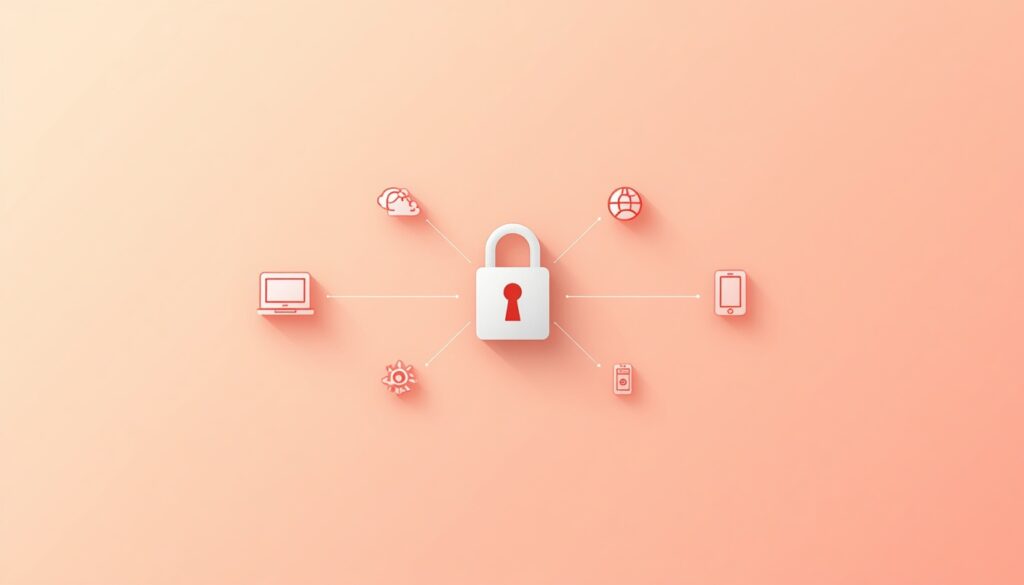
MFA adds a second layer of security beyond your password, usually a code sent to your phone or generated by an app. Even if someone steals your password, they still can’t access your account without this second factor. Enable MFA on your email, banking apps, and university portal wherever it’s offered.
4. Recognizing Phishing Attempts
- Check the sender’s actual email address, not just the display name.
- Be suspicious of urgent language (“Your account will be suspended!”) designed to pressure quick action.
- Hover over links before clicking to see the real destination URL.
- Never enter your university login credentials on a page you reached through an email link — go directly to the official site instead.
5. Safe Browsing and Public Wi-Fi
Public Wi-Fi networks (like at cafes or the university library) are often unsecured, making it easier for attackers to intercept data. Avoid logging into sensitive accounts like online banking while on public Wi-Fi, and consider using a VPN for an extra layer of protection when you must.
6. Protecting Your Academic Work
- Back up assignments and projects in more than one location (cloud storage plus a local drive).
- Be cautious about which browser extensions or free software you install, since some contain hidden malware.
- Log out of shared or lab computers after using your university account.
Why This Matters Beyond Your Student Years
Cybersecurity awareness isn’t just an academic topic — it’s a skill employers increasingly expect, especially in business and analytics roles that handle sensitive company data. Building these habits now sets you up for safer digital practices throughout your career.
For a broader view of the technologies involved, see our guides on computer networks basics for beginners and cloud computing explained simply.
Frequently Asked Questions
Q1: Why are cyber security basics for students so important?
Students handle personal data, academic work, and financial information online constantly, making them frequent targets for phishing and data theft.
Q2: What is the easiest cybersecurity habit to start with?
Enabling multi-factor authentication on your most important accounts (email, banking, university portal) is one of the simplest, highest-impact steps you can take.
Q3: How can I tell if an email is a phishing attempt?
Check the sender’s actual email address, watch for urgent or threatening language, and avoid clicking links without verifying their real destination first.
Q4: Is public Wi-Fi really dangerous?
It can be, since unsecured public networks make it easier for attackers to intercept data — avoid accessing sensitive accounts while connected to them.
Q5: What should I do if I think my account has been hacked?
Change your password immediately from a trusted device, enable multi-factor authentication if you haven’t already, and check your account’s recent activity for anything unfamiliar.
Keep Building Safe Habits
Take five minutes today to enable multi-factor authentication on your email and university portal — it’s the single most effective step covered in this guide.
Have your own cybersecurity notes or assignments? Upload them to brainydock.site to help other UCP students. Explore more in our ICT category.